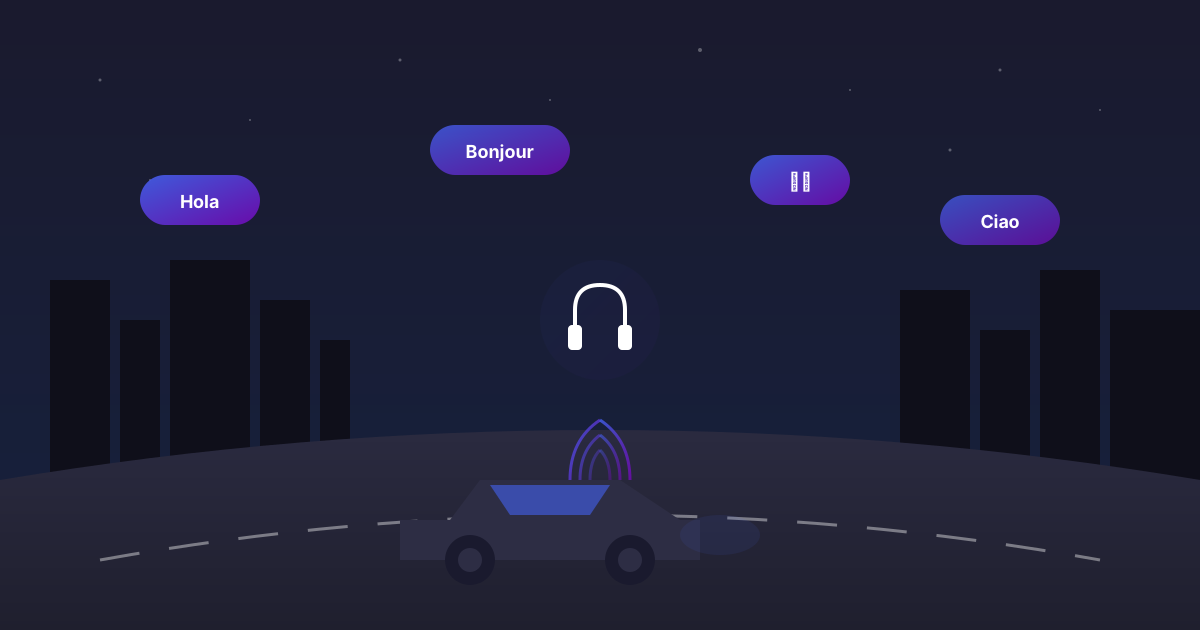
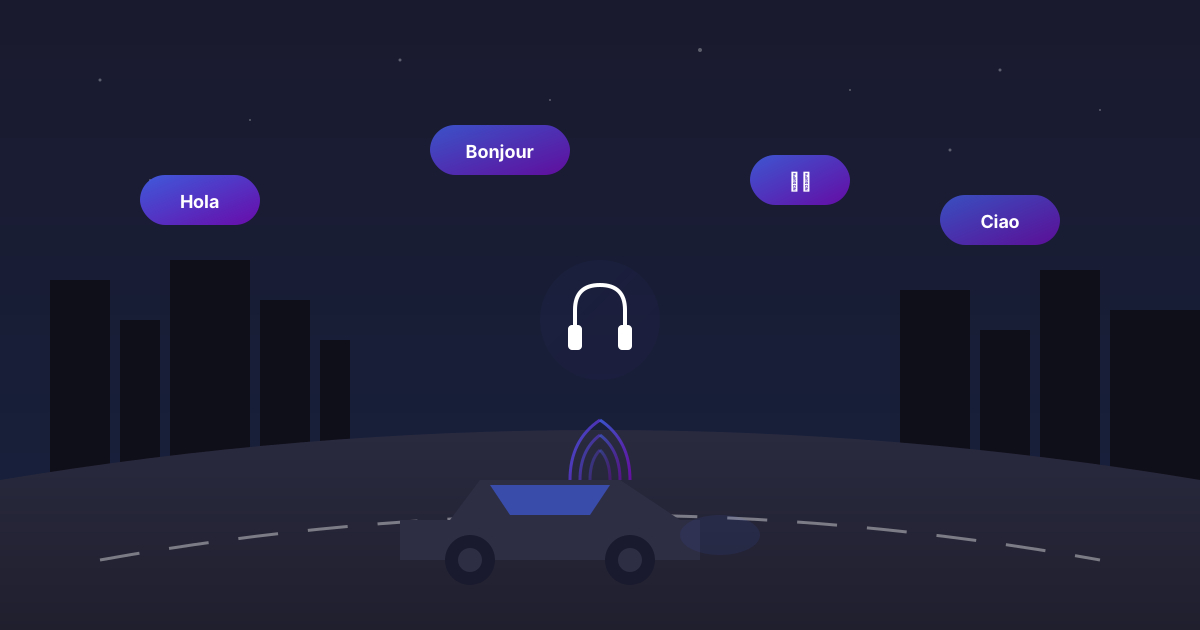
If your eyes are busy steering or scanning train stops, you can still grow your vocabulary. BitLingo is built to be audio-first, so you never need to look down at a screen. It’s a hands-free language learning app purpose-built for commutes.
Quick setup (2 minutes)
- Open BitLingo and add 10–20 words you actually need this week. Keep it narrow: travel phrases, exam verbs, or on-the-job jargon.
- Enable autoplay with short pauses between prompts so you can repeat out loud.
- Set playback volume that competes with road or train noise without blasting your ears.
Safe, hands-free controls
- Start a session before you pull out or while you wait on the platform.
- Keep your phone mounted or in your pocket; no swiping required.
- Use vehicle controls or earbuds to pause if you need to focus on traffic.
Session recipe for commutes
- Length: 8–12 minutes (fits a typical city drive or two subway stops).
- Mode: listen–repeat on shuffle to avoid memorizing the order.
- Goal: accurate recall of 80% of the list; no need to cram everything.
Why it works
- Audio-first keeps your eyes where they belong—on the road or your surroundings.
- Short loops prevent mental fatigue and make it easy to resume later in the day.
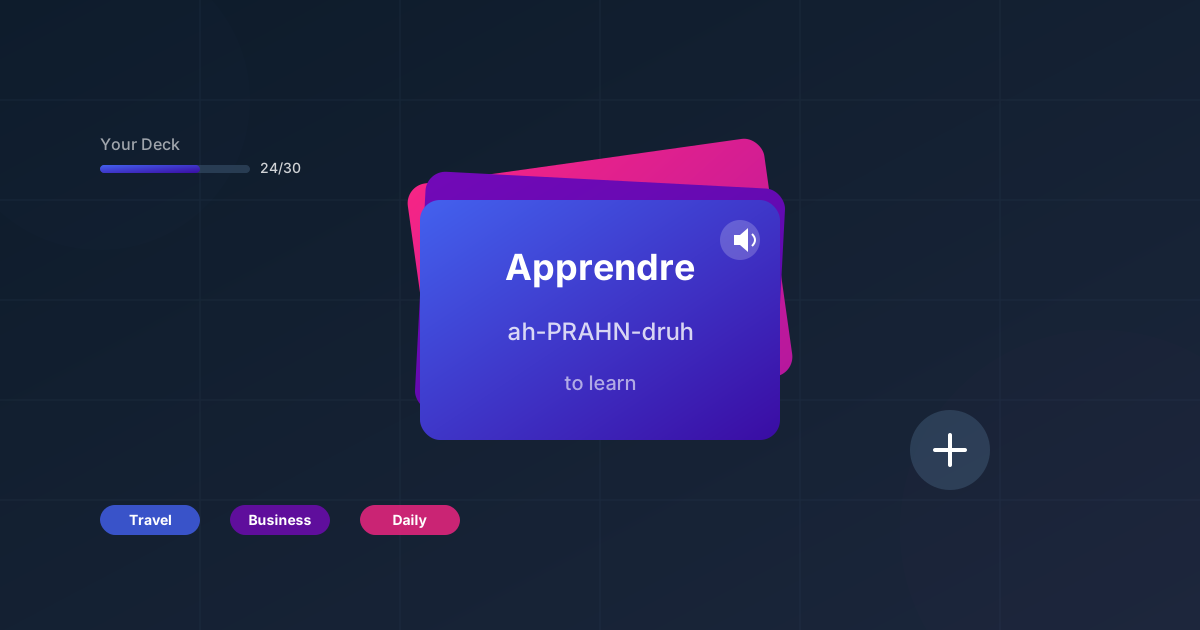
- Custom vocabulary means every minute reinforces words you chose, not a generic syllabus.
Keep the momentum
- Pair this routine with a custom vocabulary workflow so every commute list is relevant.
- When you’re back home or offline, switch to the offline language learning guide.
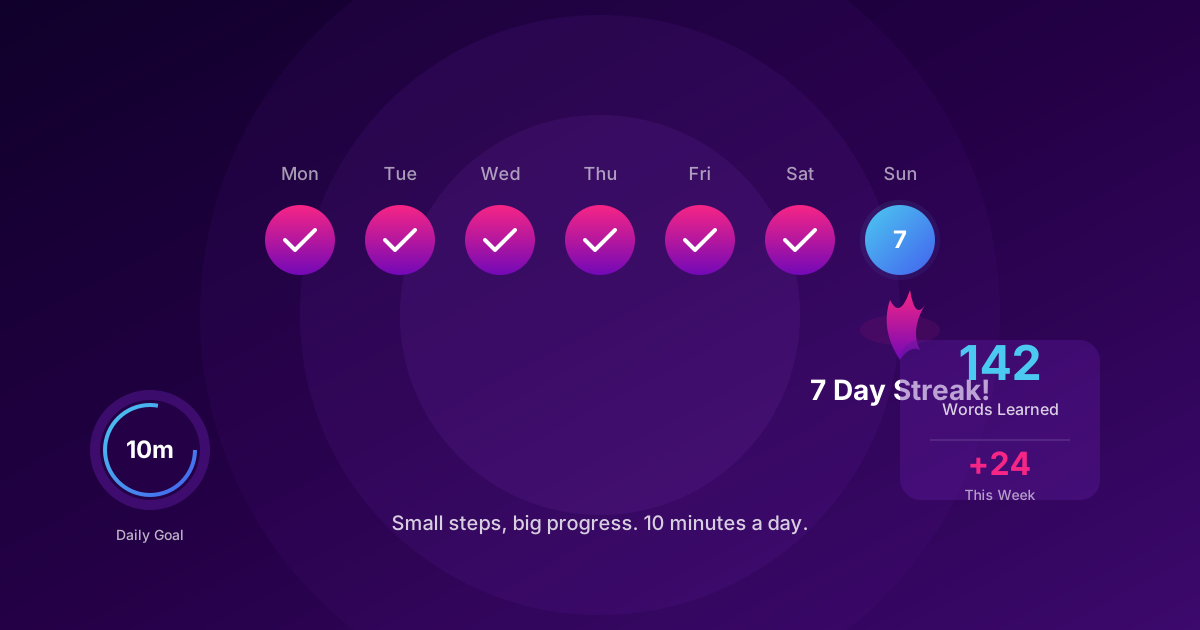
- If you want a daily system, use the habit playbook to lock in 10-minute “learn vocabulary during commute” loops.
Make your commute pay you back. Ten focused minutes per ride is over 80 minutes of vocabulary practice each workweek. That’s real progress without carving new time out of your day.
Discussion
Click to load comments powered by GitHub Discussions