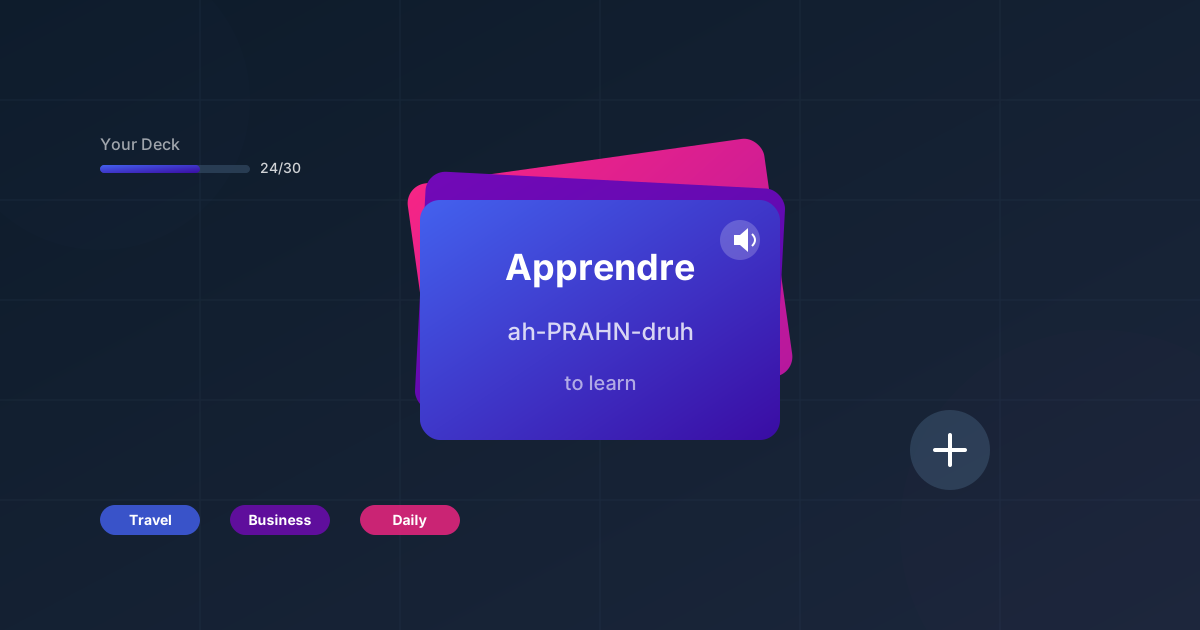
BitLingo is built around your vocabulary—not ours. Here’s a fast workflow to go from idea to a practice-ready deck using audio flashcards for language learning.
Step 1: Pick a narrow theme
- Travel: airport, hotel check-in, food orders.
- Work: industry jargon, meeting verbs, common questions.
- Exams: frequency lists for CEFR/DELE/HSK.
Limiting scope to 20–40 words keeps sessions short and repeatable.
Step 2: Add words with smart prompts
- Enter the target word plus a short cue in your native language.
- Add a quick usage note only if it helps recall (e.g., gender, polite form).
- Keep entries terse so audio playback is clean and easy to repeat.
Step 3: Set playback for recall
- Enable shuffling to avoid order memorization.
- Choose a pause length that lets you repeat twice.
- Turn on slower playback for brand-new words; speed up once confident.
Step 4: Test and trim
- After one session, archive words you own and replace with new ones.
- Track “stumbles” by quickly re-adding them to a micro-list for later.
Why this beats generic curricula
- Relevance: every minute reinforces words you need right now.
- Retention: small, themed sets are easier to keep in long-term memory.
- Flexibility: swap lists per context—commute list, weekend list, business trip list.
Next steps
- Use this deck on a learn vocabulary during commute routine for truly hands-free language learning.
- Heading to the gym? Pair it with learn languages while working out.
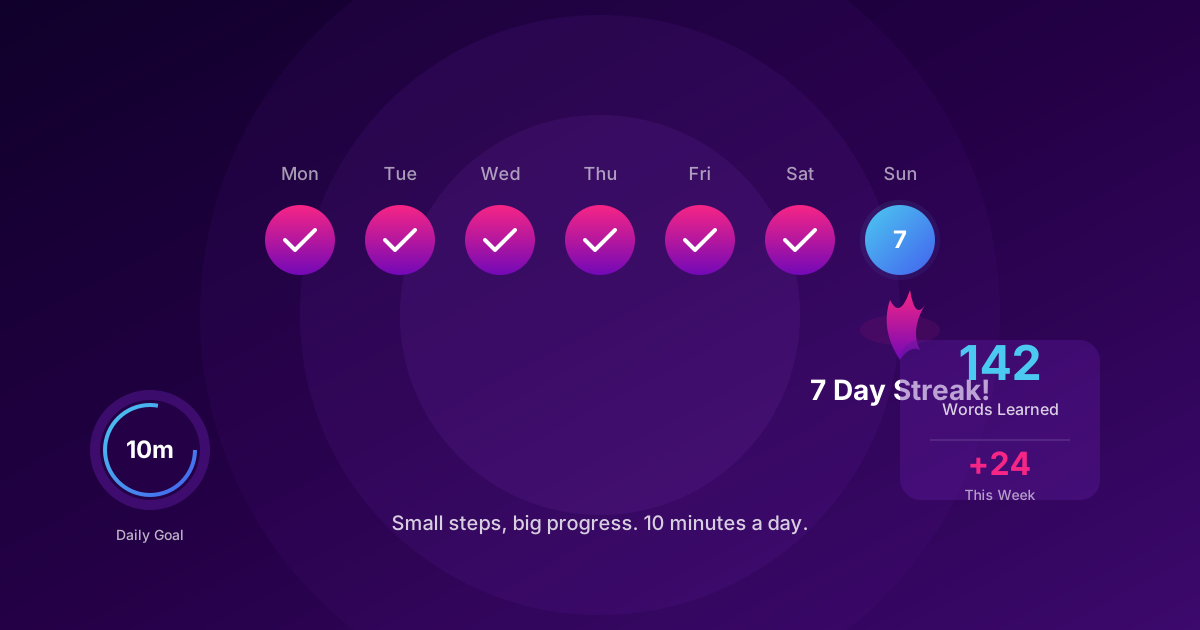
- Want consistency? The habit playbook keeps these custom lists in rotation.
Build a deck today, practice tonight, and adjust tomorrow. That’s the loop that keeps vocabulary growth compounding.
Discussion
Click to load comments powered by GitHub Discussions