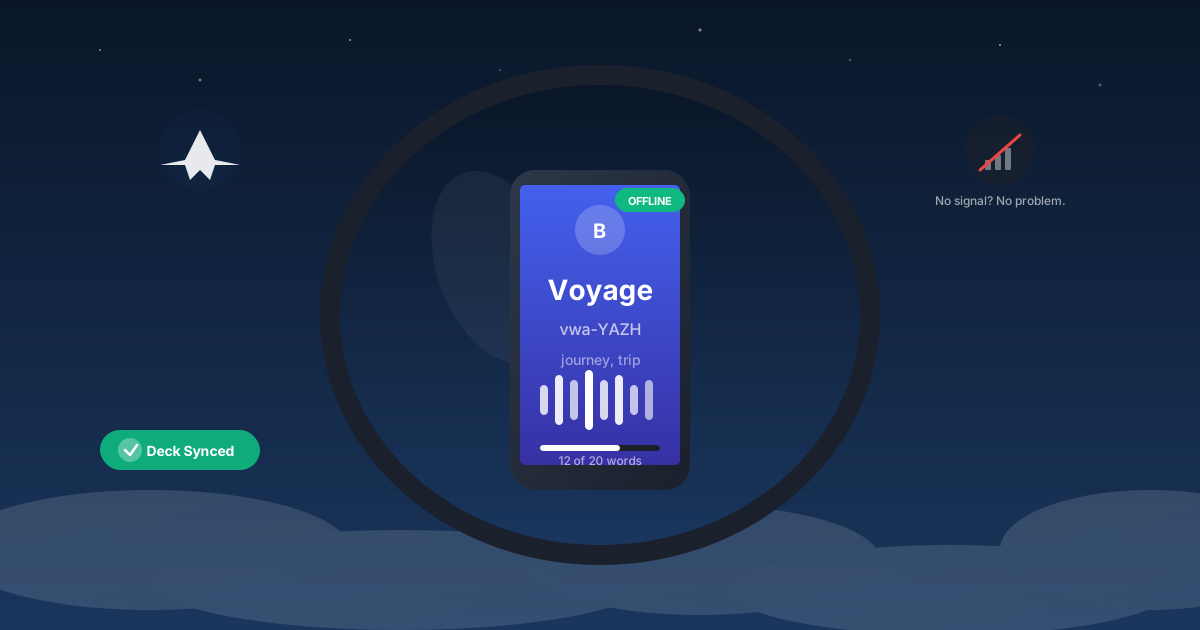
No connection? No problem. BitLingo stores your decks locally and works offline so you can keep practicing anywhere. It doubles as an offline language learning companion when you still want audio-first vocabulary drills.
Install once, use everywhere
- Add BitLingo to your home screen (PWA). This caches the app shell and your word lists.
- Download audio packs for your decks while online to ensure smooth playback offline.
Pre-trip checklist
- Refresh your target decks the night before a flight or train ride.
- Keep lists lean (20–30 words) so you can loop them multiple times.
- Bring a wired or fully charged headset—no Wi‑Fi needed.
Session ideas without internet
- Gate waits: one 10-minute loop to warm up.
- In-flight or underground: two loops with longer pauses for quiet repetition.
- Arrival: a final loop to prime your brain before you step out.
Privacy and reliability
- No account required; your data stays on your device.
- Offline mode prevents syncing delays and keeps sessions predictable.
Learning shouldn’t depend on signal strength. With offline-ready lists, every delay becomes a practice window.
Related workflows
- Build your lists quickly with the custom vocabulary workflow.
- For “learn vocabulary during commute” time, pair this with hands-free commute sessions.
- Keep momentum every day with the habit playbook.

Discussion
Click to load comments powered by GitHub Discussions